Front desk and appointments
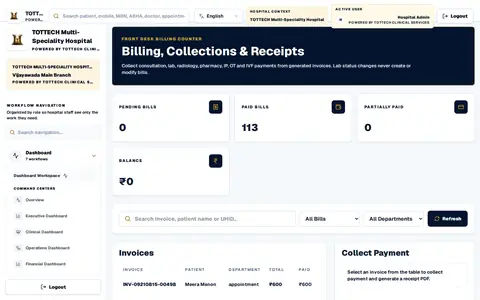
- Registration with a UHID, on forms you configure
- Find a patient by name, mobile number, UHID or ABHA number
- Appointments with tokens, a queue, check-in and rescheduling
For hospitals and IVF centres
Hospital ERP, IVF & Clinical Management Platform.
Registration to discharge, laboratory to pharmacy, first assessment to embryo transfer — every desk in a hospital or fertility centre working on one patient record.
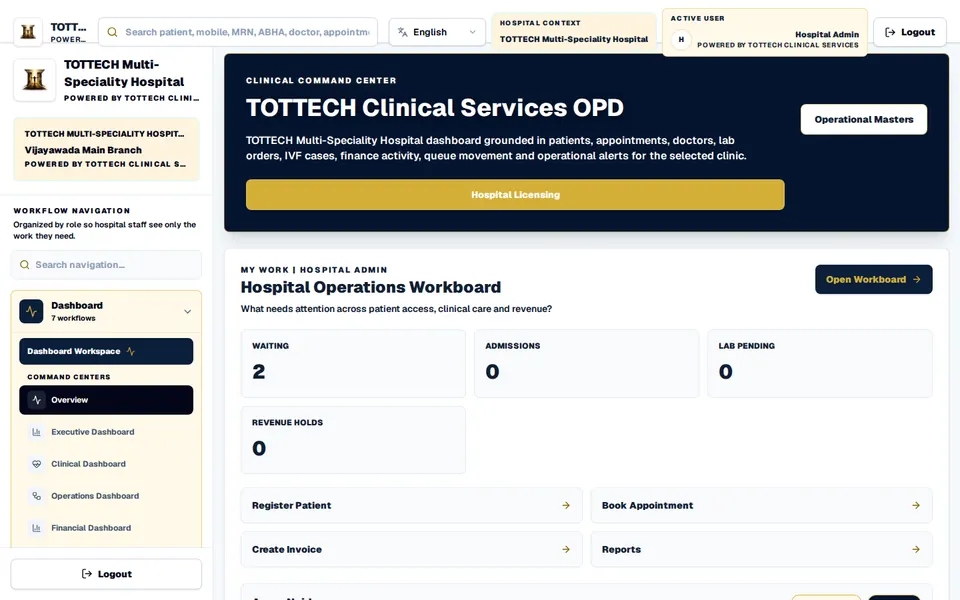
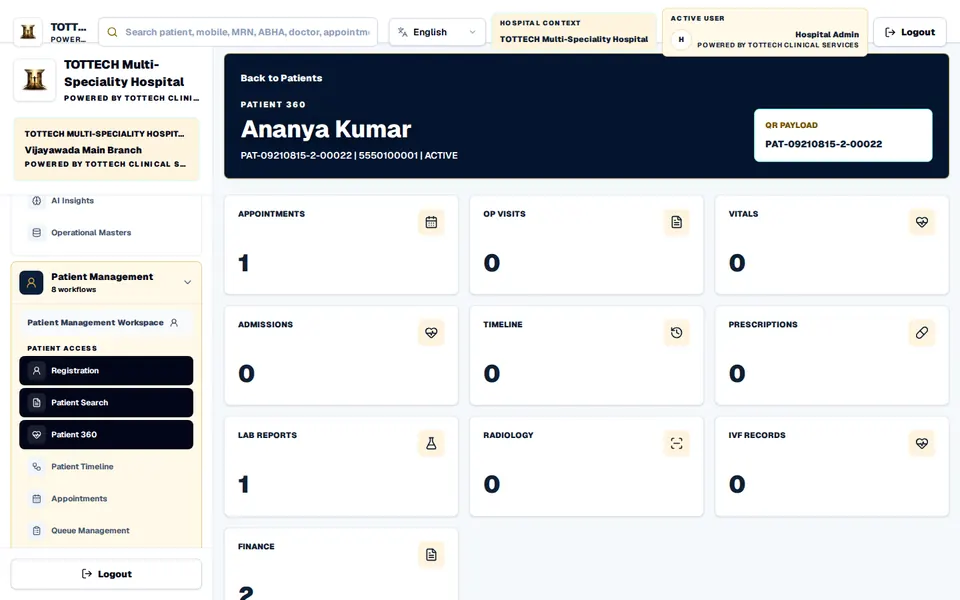
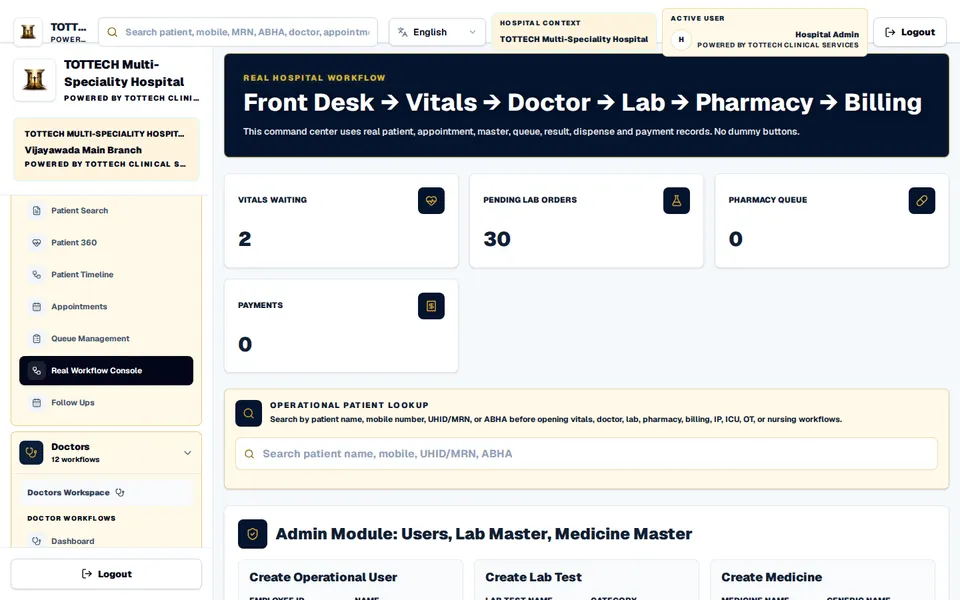
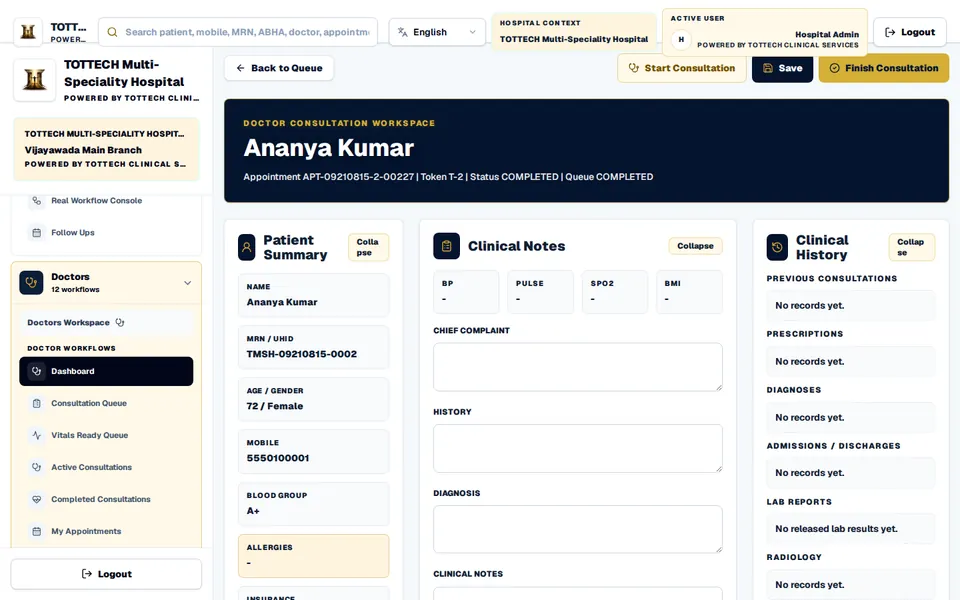
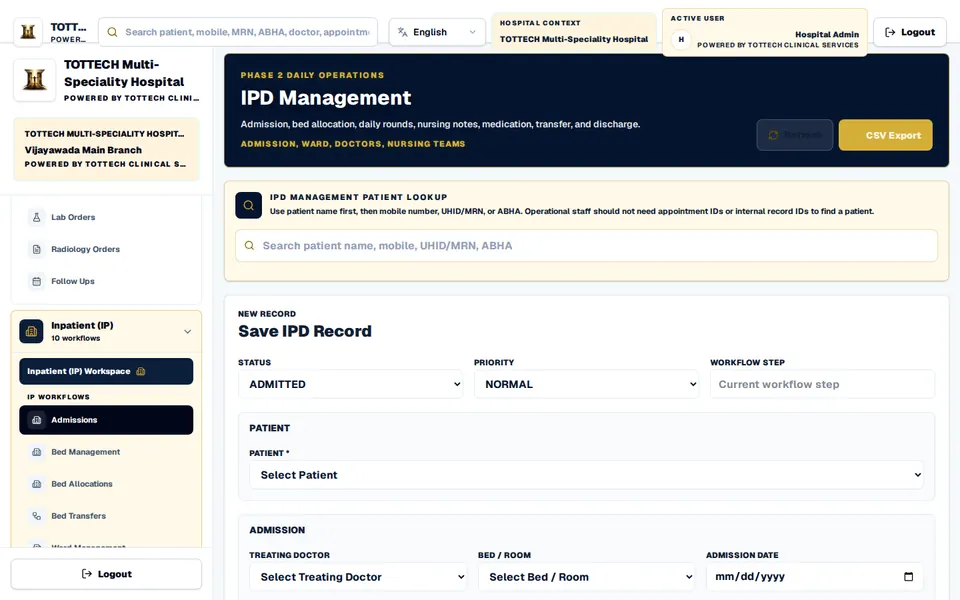
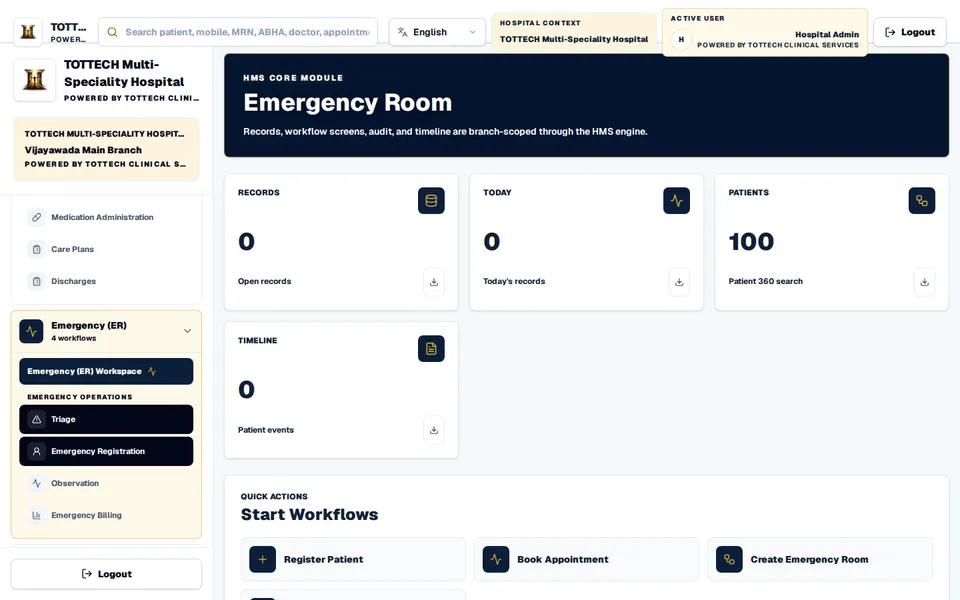
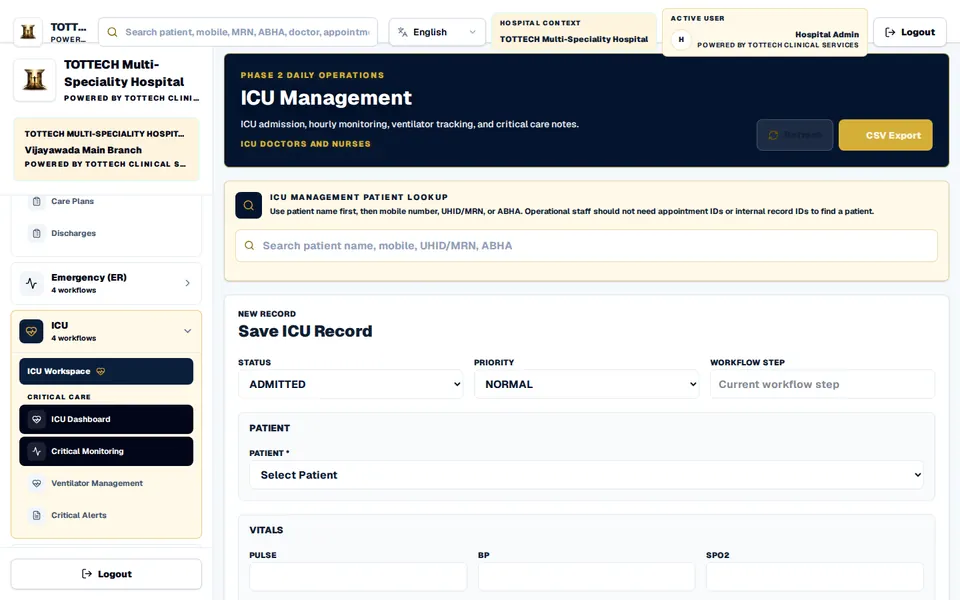
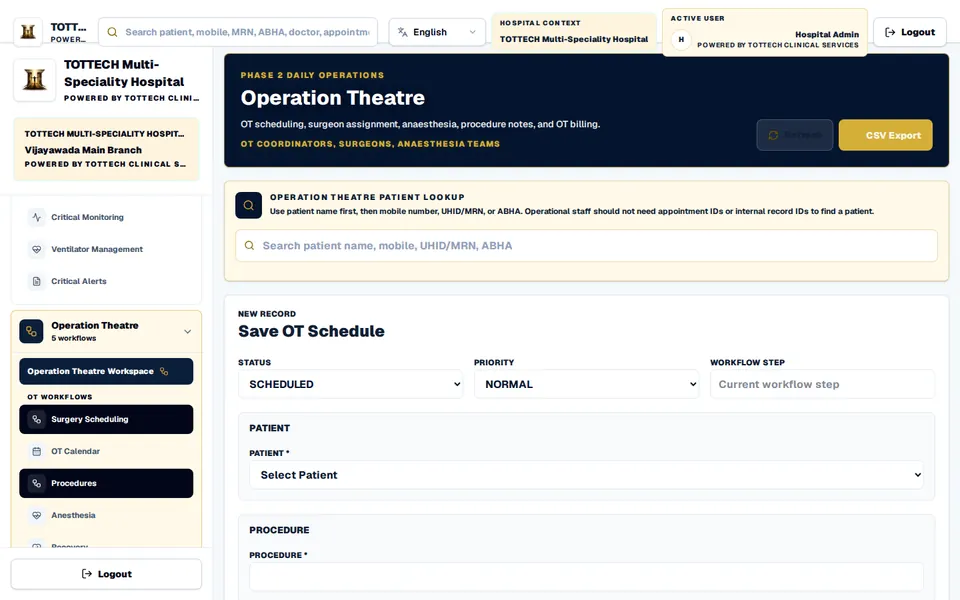
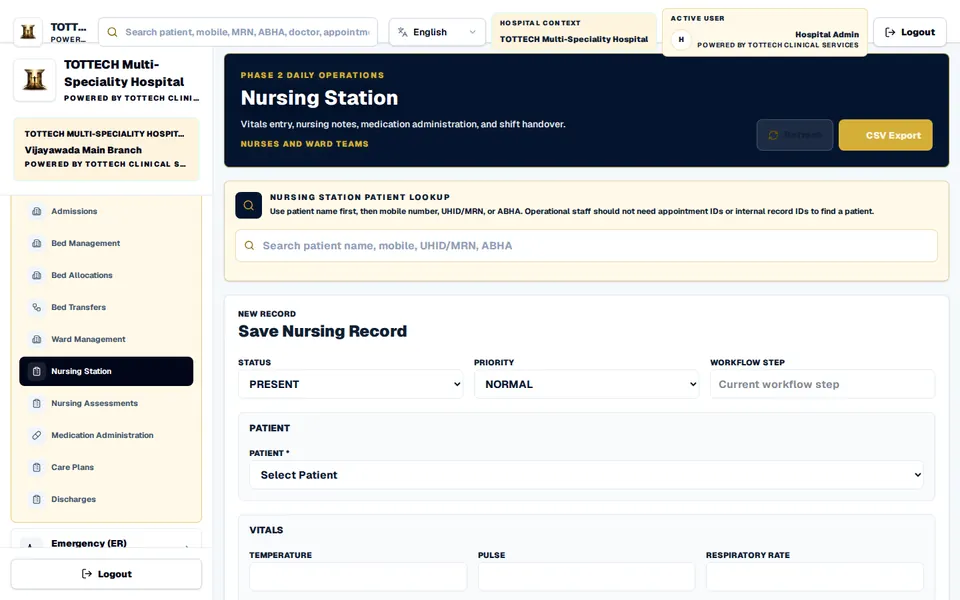
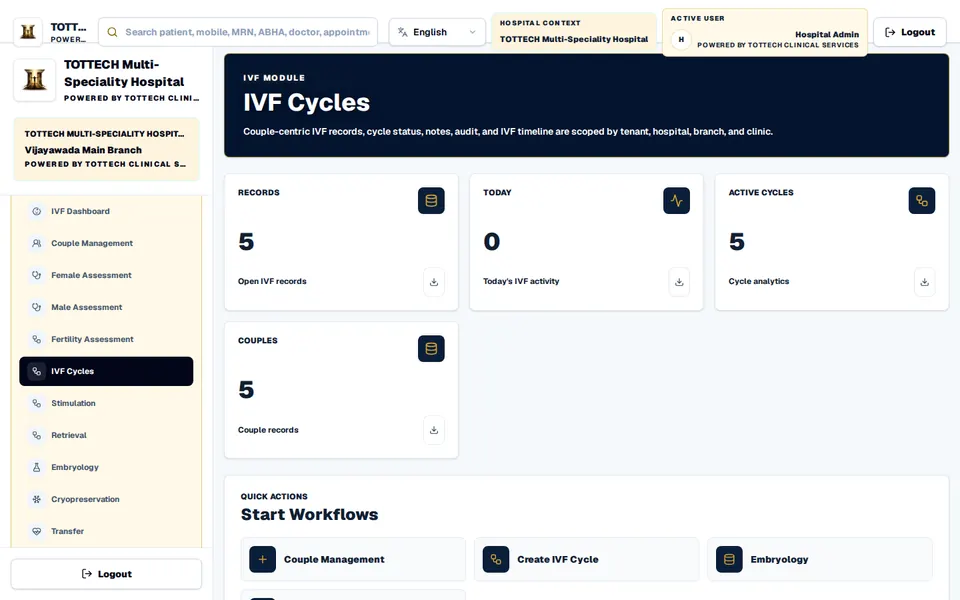
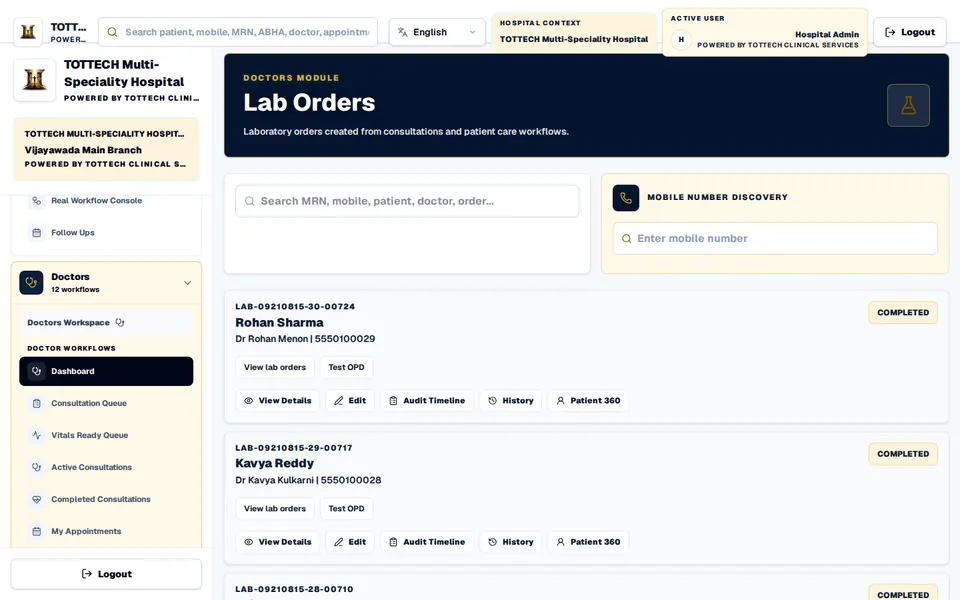
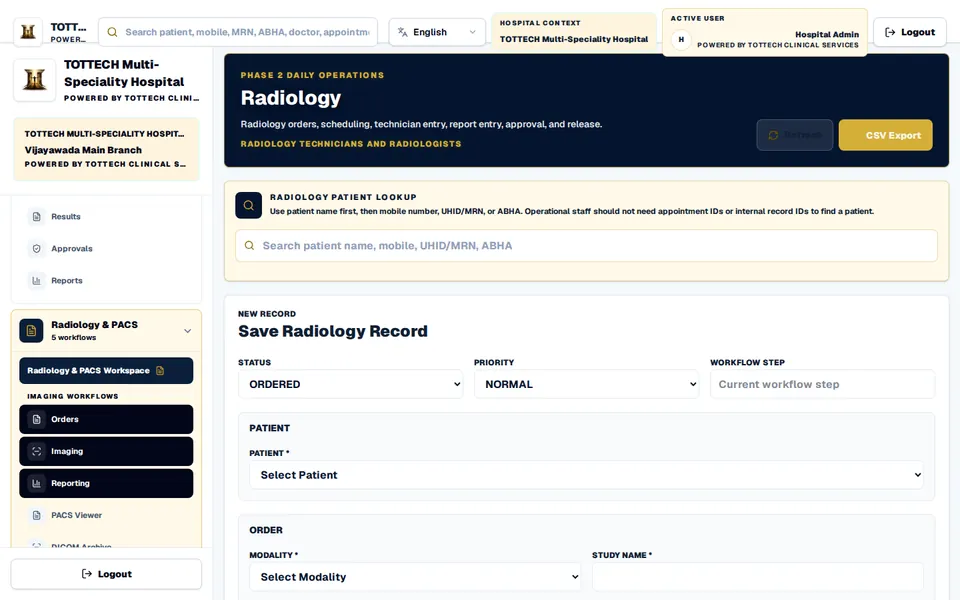
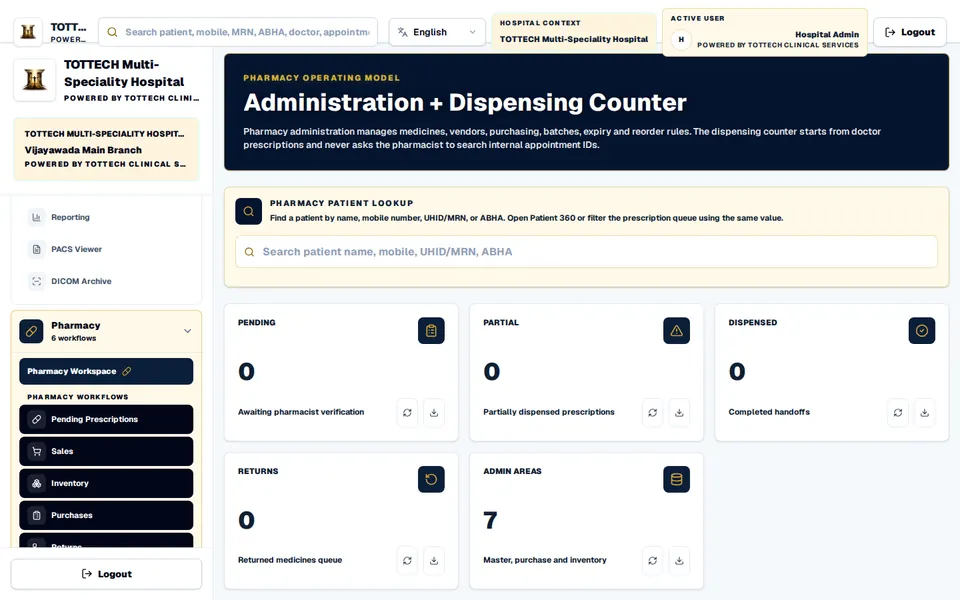
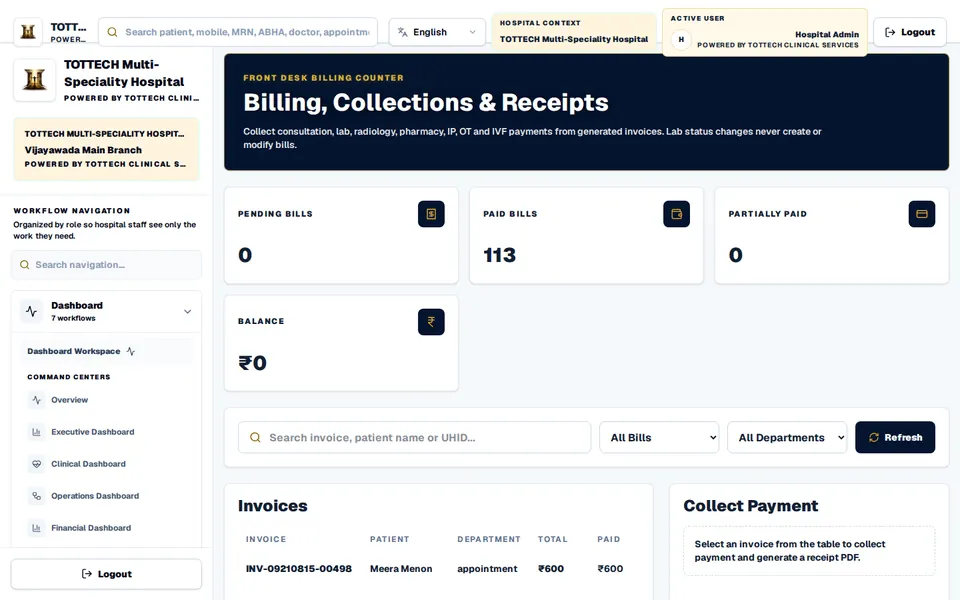
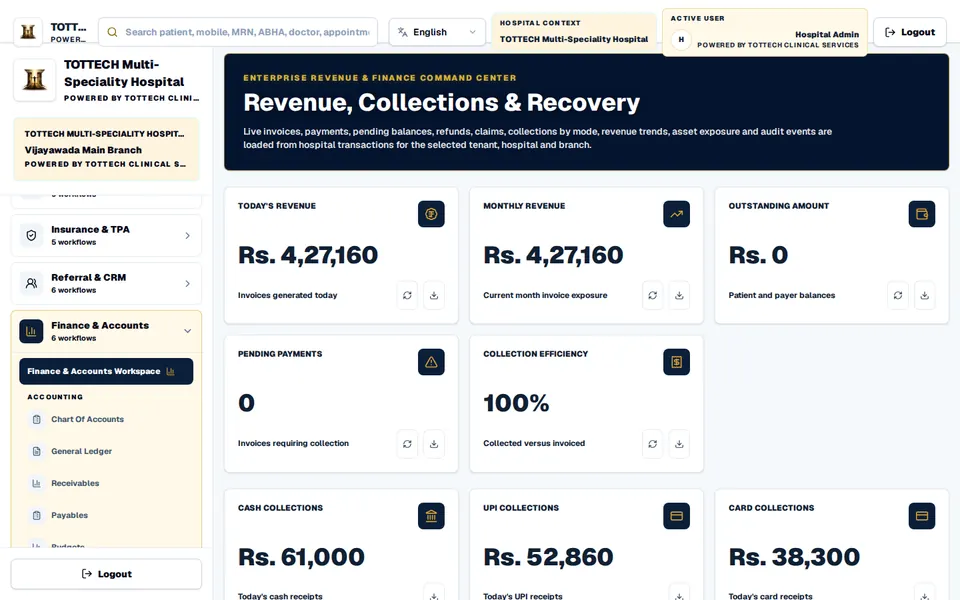
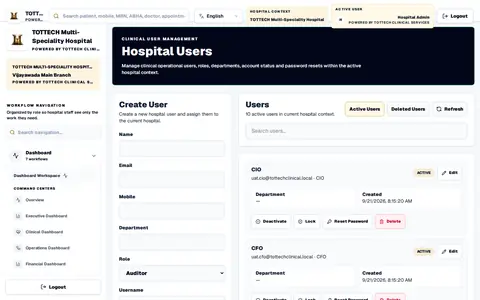
Every department on one patient record. The screens are the product running with made-up demonstration data — click through all 31 of them.
The patient’s visit
A workflow console hands each patient from desk to desk, and every desk sees what the one before it did.
What it does
What TOTTECH Clinical Services does today, desk by desk.
IVF and fertility
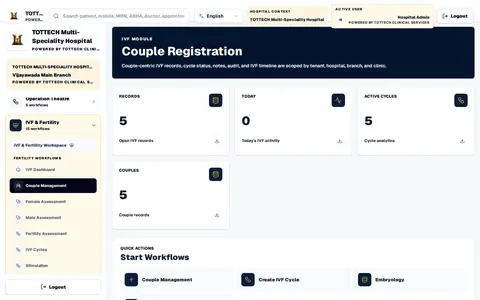
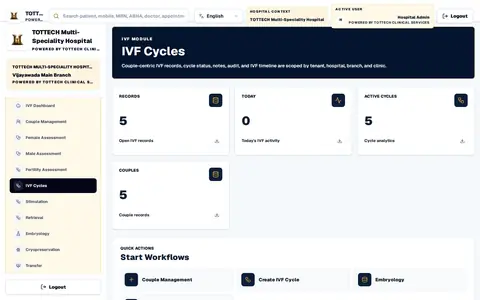
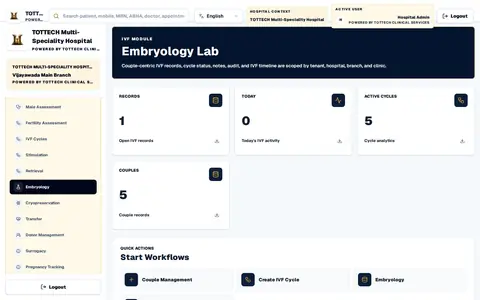
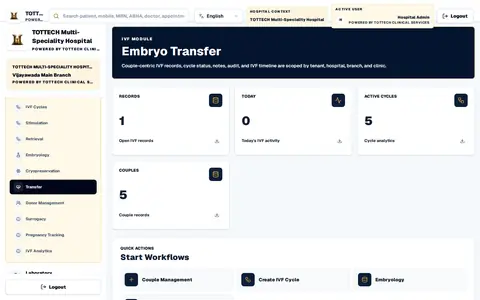
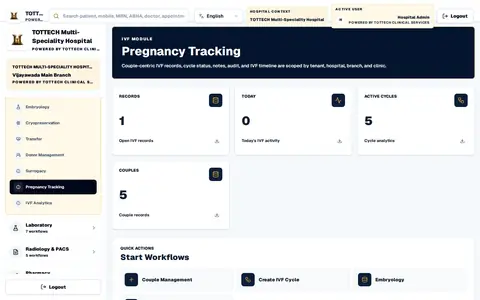
The most detailed part of the product: a record for each couple that follows the treatment step by step, with donor and surrogate registers and a dashboard of charts for every couple.
Patients, on WhatsApp
When WhatsApp is switched on, patients get a message at each step of their visit, in your hospital’s name.
For hospital groups
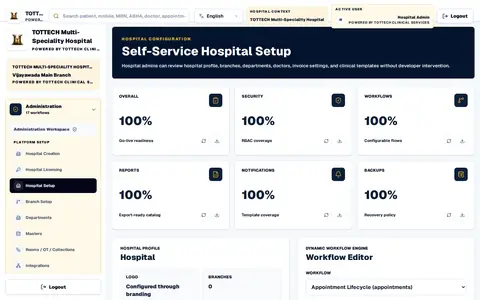
Run several hospitals, each with its branches and clinics, on one platform, and onboard a new one with a guided setup.
Front desk, doctors, nursing, laboratory, pharmacy, billing and administration each see their own queue.
Each hospital licenses the modules it needs.
Your hospital’s logo and colours on the screens, the invoices and the reports.
Who changed what, and every sign-in, recorded.
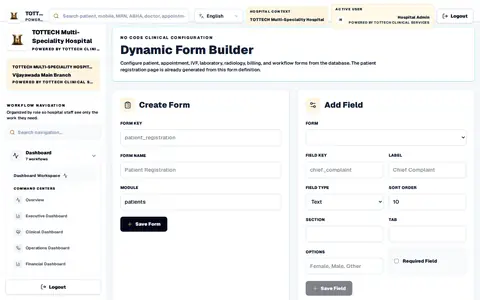
A form builder for the forms your hospital already uses.
A clinical assistant. It answers from the hospital’s own records — a patient’s summary, a trend in their vitals, or how the day’s operations stand.
Every screen
Open any screen to click through the product from there. Every one is the product itself, running with made-up demonstration data.
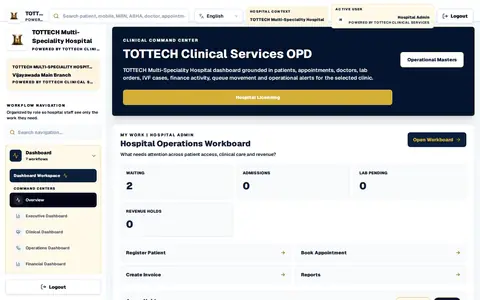 DashboardThe hospital’s command centre: patients waiting, admissions, laboratory work and revenue on hold, with the next actions.
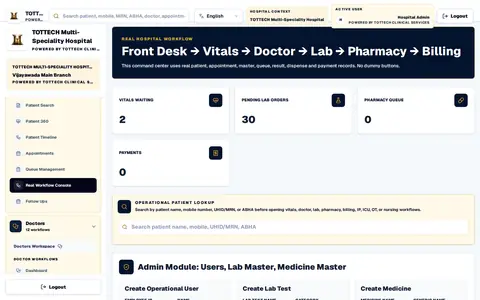 Patient Journey ConsoleFront desk, vitals, doctor, laboratory, pharmacy and billing — each patient handed from desk to desk.
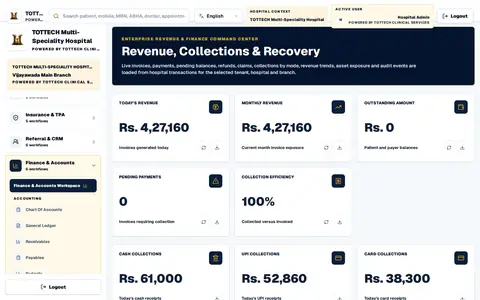
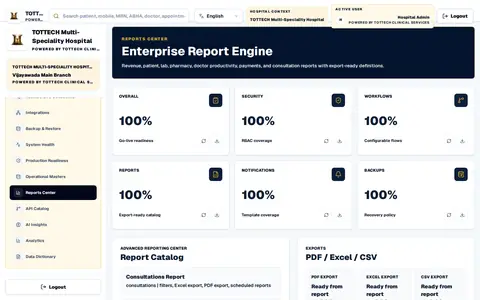 Report EngineRevenue, patient, laboratory, pharmacy, doctor and payment reports, exported to PDF, Excel or CSV.
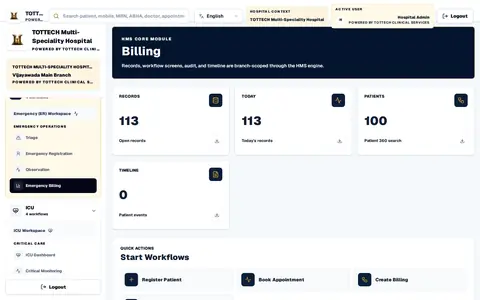
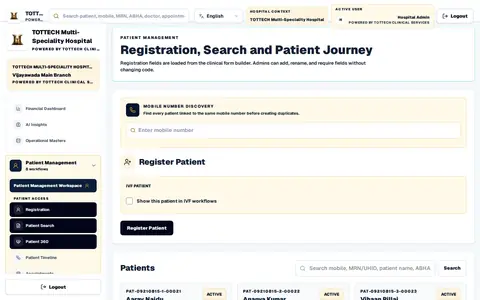 Registration and SearchRegister a patient, or find one by name, mobile number, UHID or ABHA number before creating a duplicate.
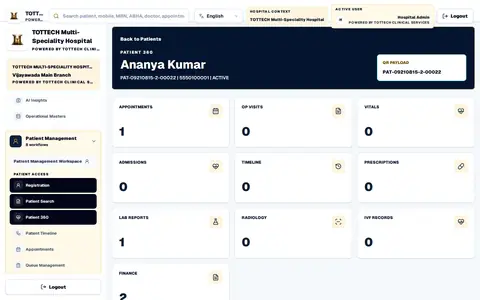 Patient 360One patient’s appointments, visits, vitals, admissions, reports, prescriptions and bills.
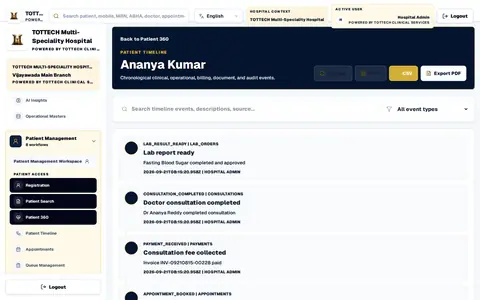 Patient TimelineEverything that happened to a patient — consultations, results, payments — in order.
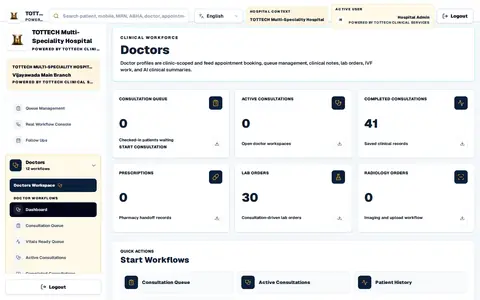 DoctorsThe consultation queue, active and completed consultations, prescriptions and orders.
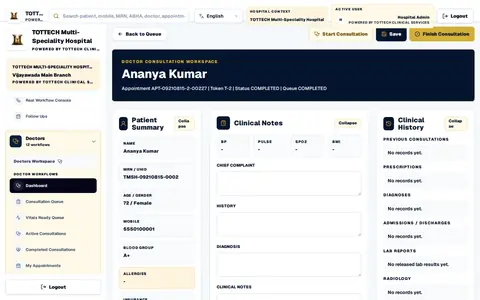 Consultation WorkspaceThe doctor’s screen for one visit: patient summary, clinical notes, history and orders.
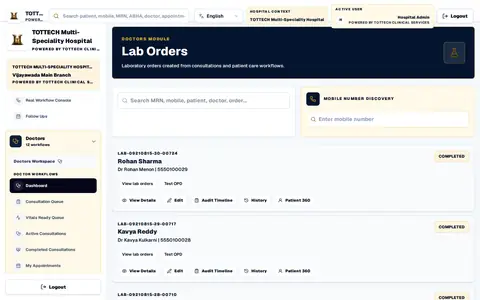 Lab OrdersLaboratory orders raised from consultations, with their status.
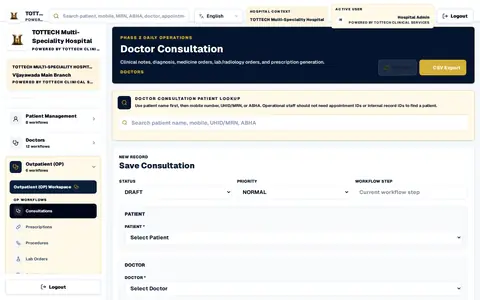 Outpatient ConsultationsConsultations recorded for the outpatient desk, patient by patient.
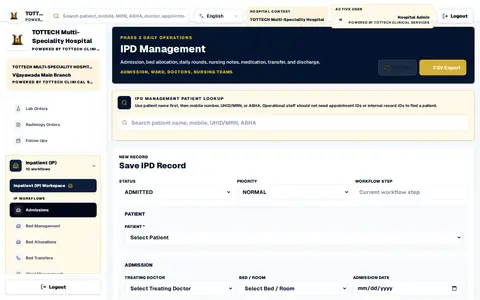 Inpatient AdmissionsAdmission, bed, treating doctor, nursing notes, transfer and discharge.
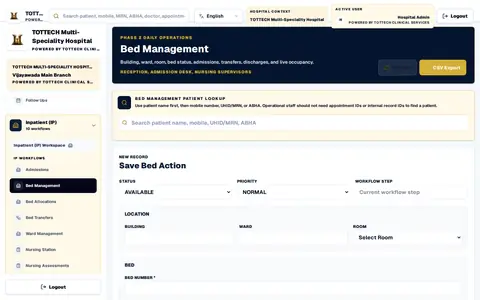 Bed ManagementBeds, wards and rooms: status, admissions, transfers and discharges.
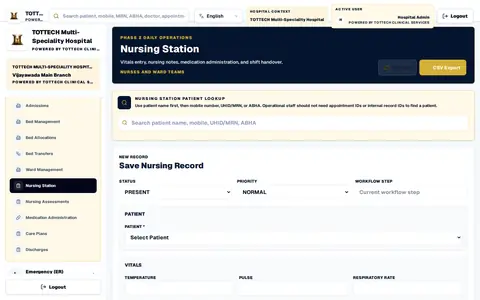 Nursing StationVitals, nursing notes, medication administration and shift handover.
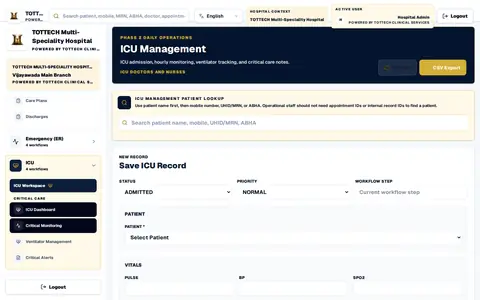 ICUICU admission, hourly monitoring and critical care notes.
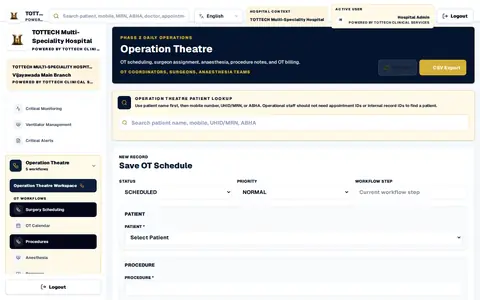 Operation TheatreTheatre scheduling, surgeon and anaesthesia assignment, and procedure notes.
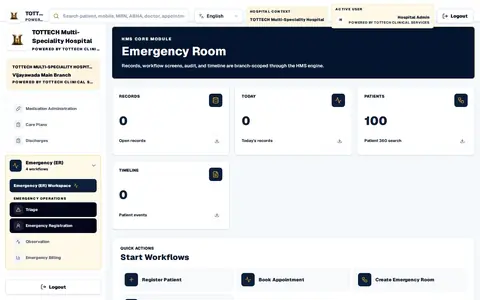 EmergencyEmergency registration and triage, with the patients it has seen.
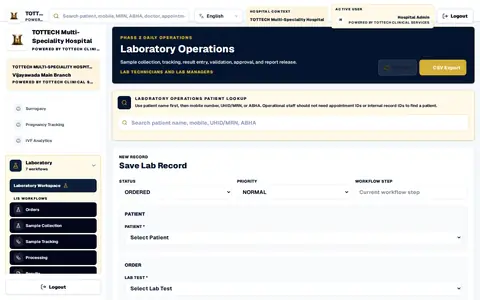 LaboratorySample collection, tracking, results, validation, approval and the released report.
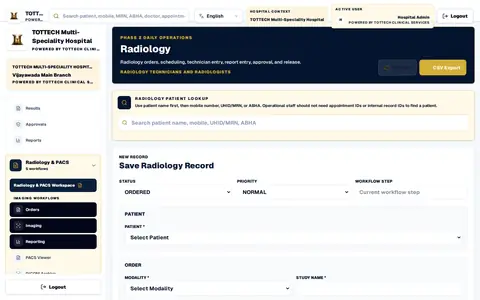 RadiologyRadiology orders, scheduling, reporting, approval and release.
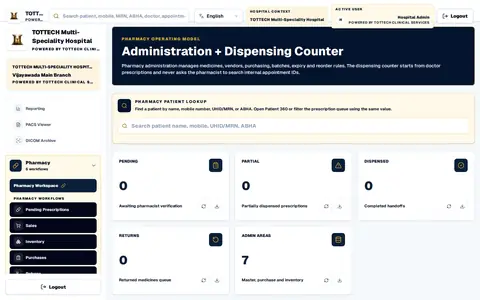 PharmacyThe dispensing counter: prescriptions waiting, partly and fully dispensed, and returns.
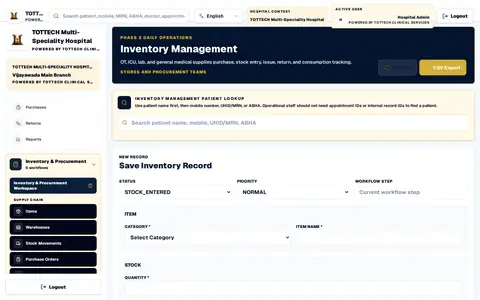 InventoryStock entry, issue, return and consumption for the hospital’s stores.
TraceIT for this sector
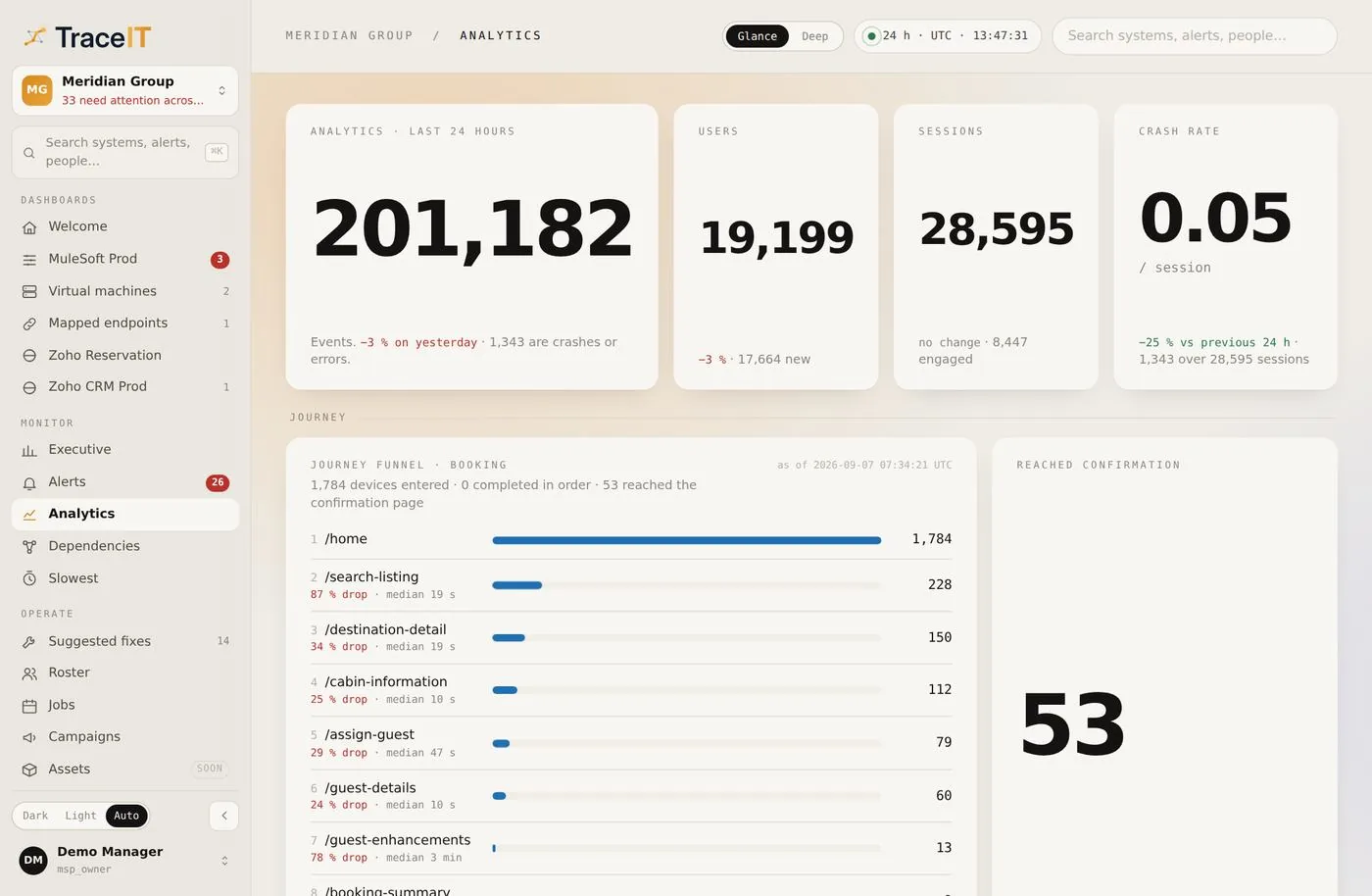 01 · AnalyticsWhere a registration or appointment journey stalls, how long a patient spends on each step, and which department’s screens are slowest.
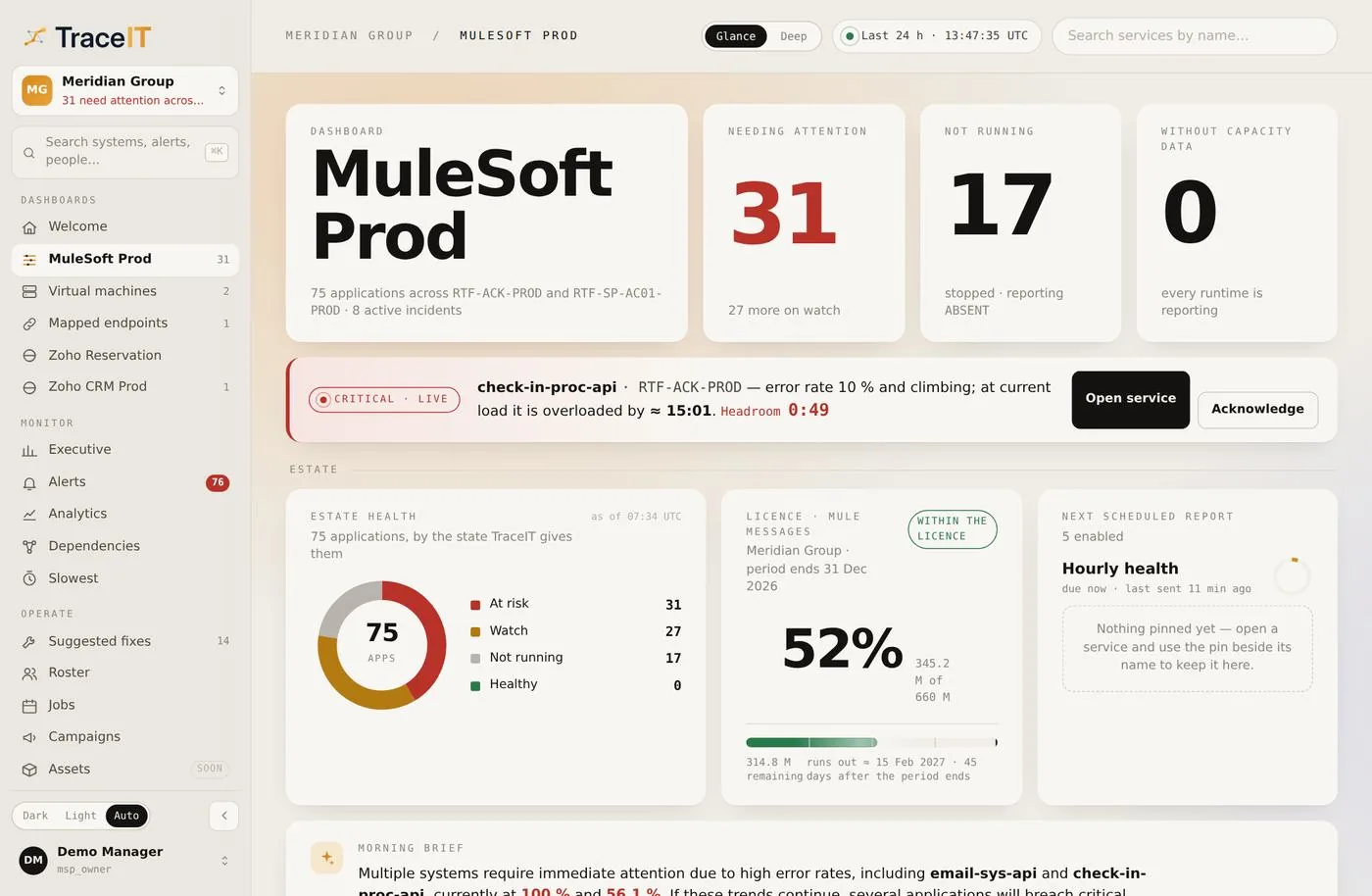 02 · System dashboardThe HIS, pharmacy, laboratory interfaces and the integration layer between them, together rather than in four vendor consoles.
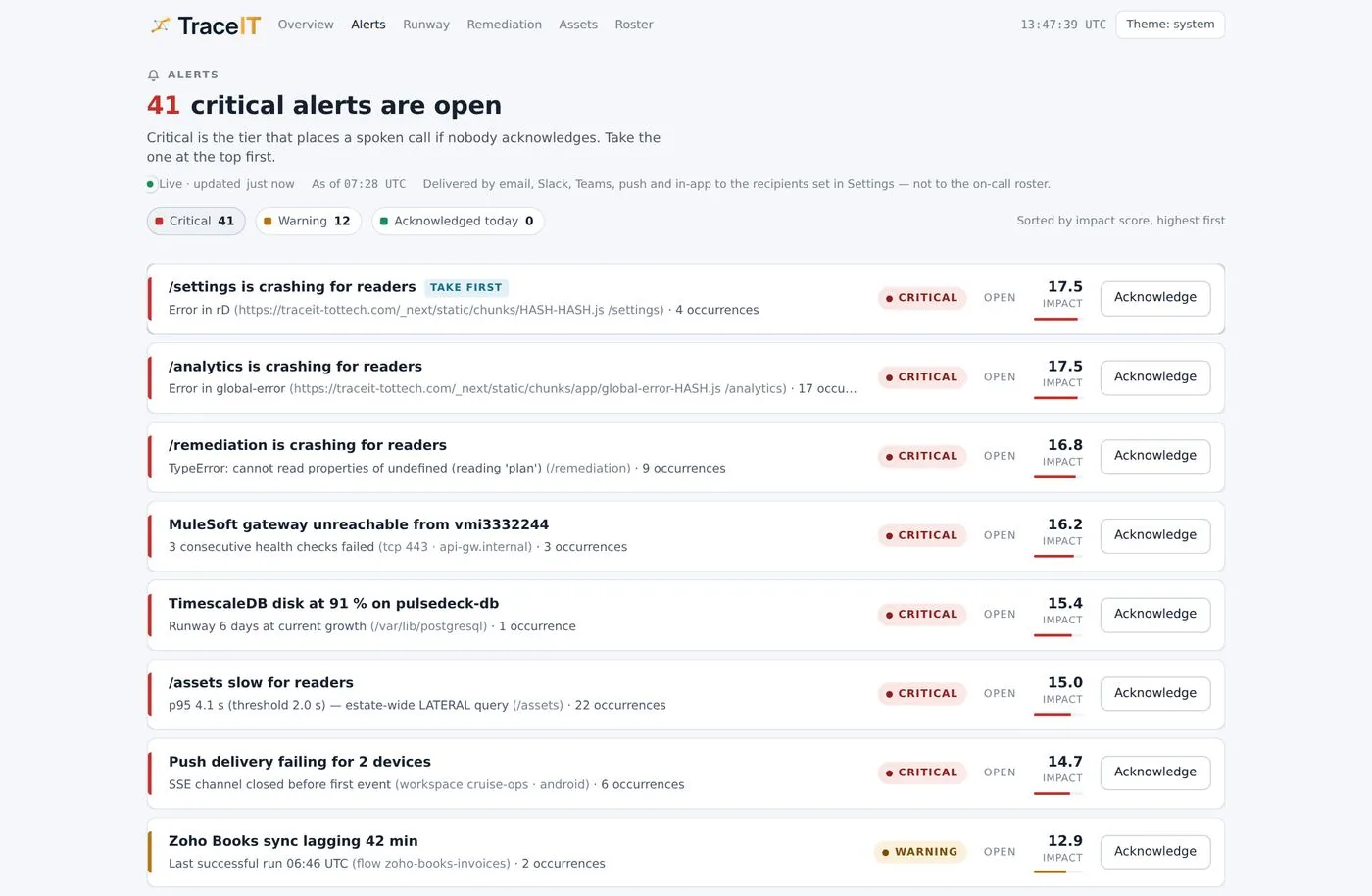 03 · Alerts and acknowledgementAn on-call clinician’s handset acknowledged the alert. The console reports what arrived, not what was sent.
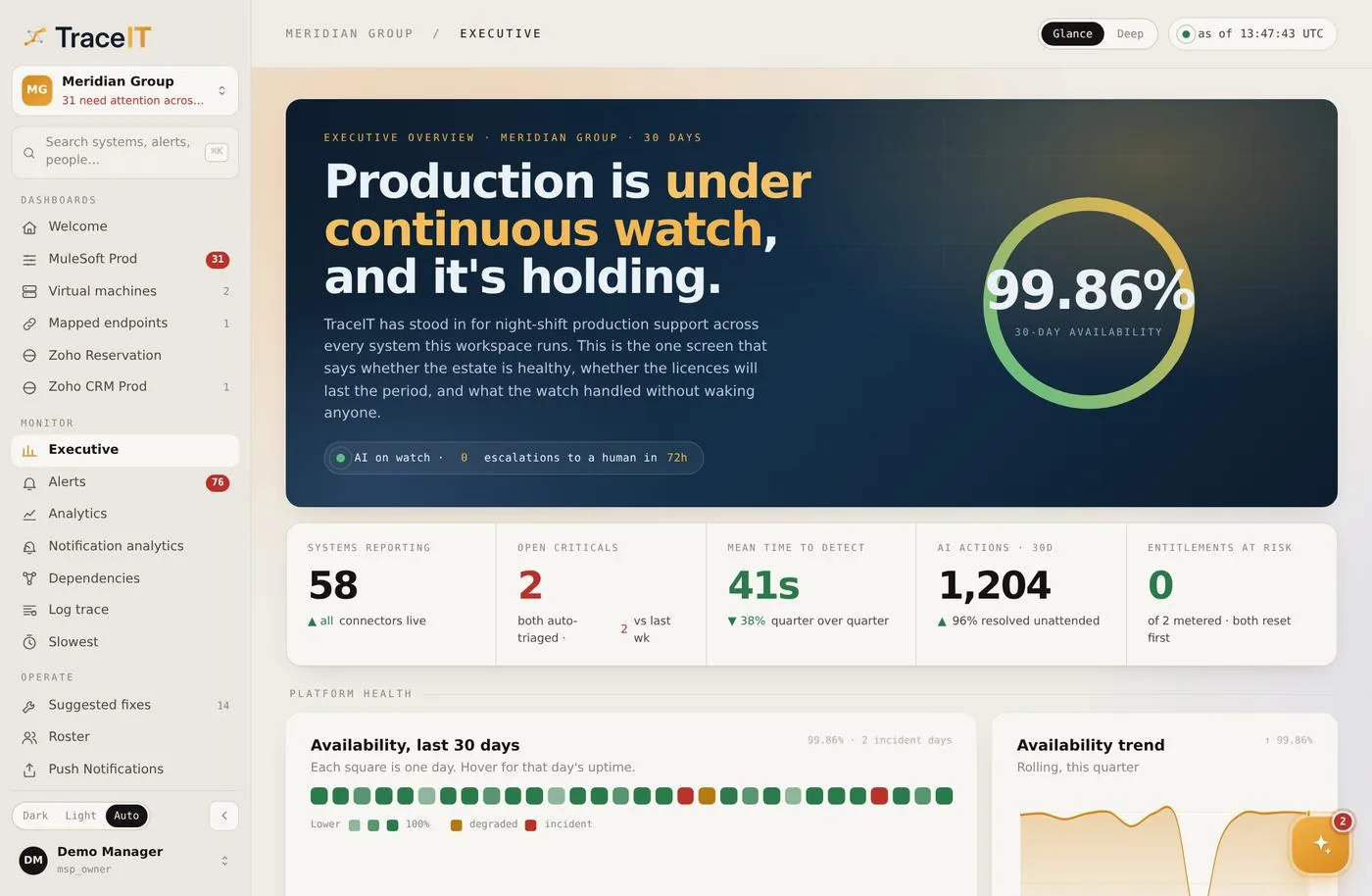 04 · Executive viewThe month as a medical director needs it — availability of the systems clinicians depend on, and where it slipped.
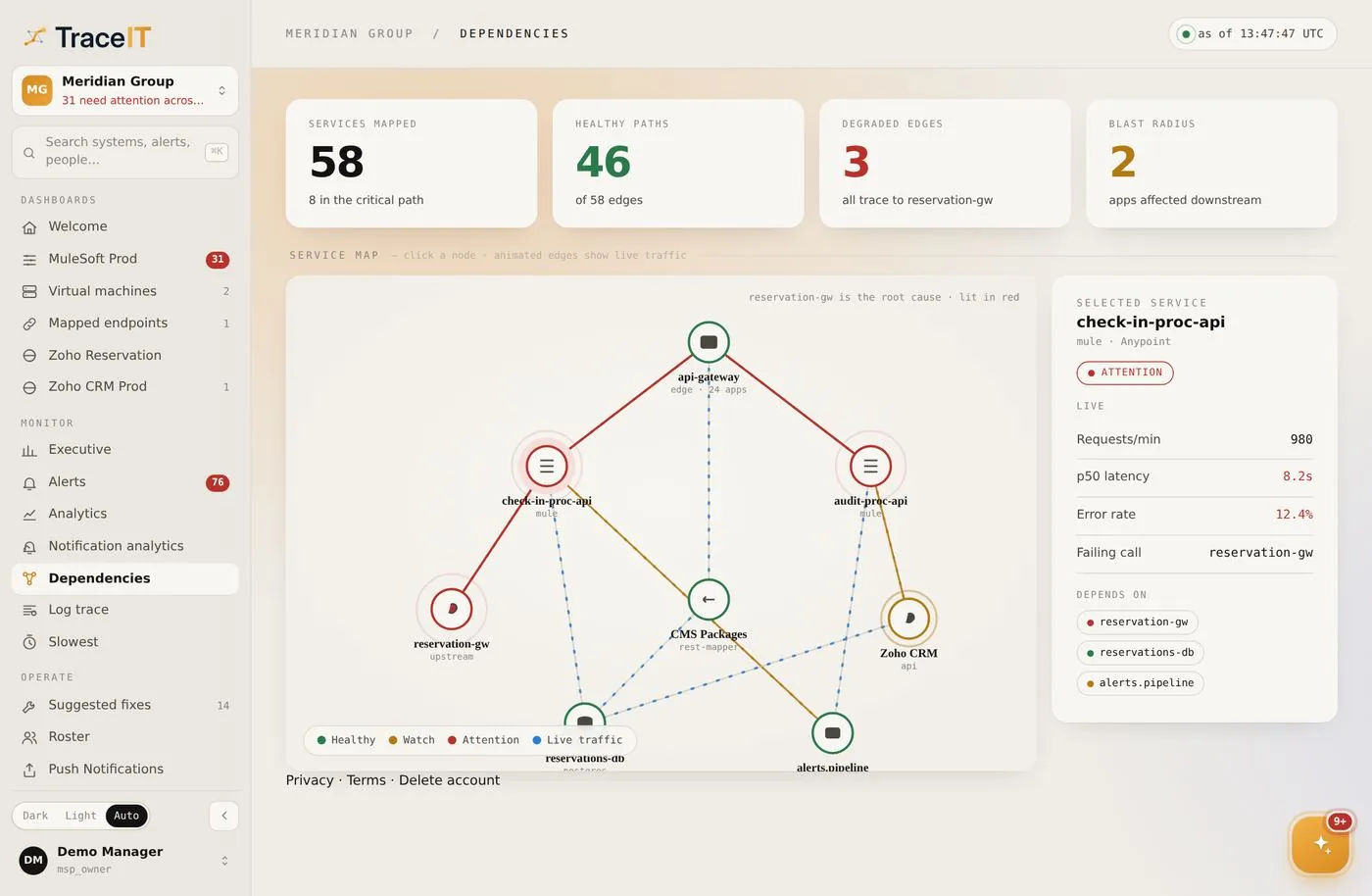 05 · DependenciesIf the laboratory interface goes, you know which wards will feel it and in what order.
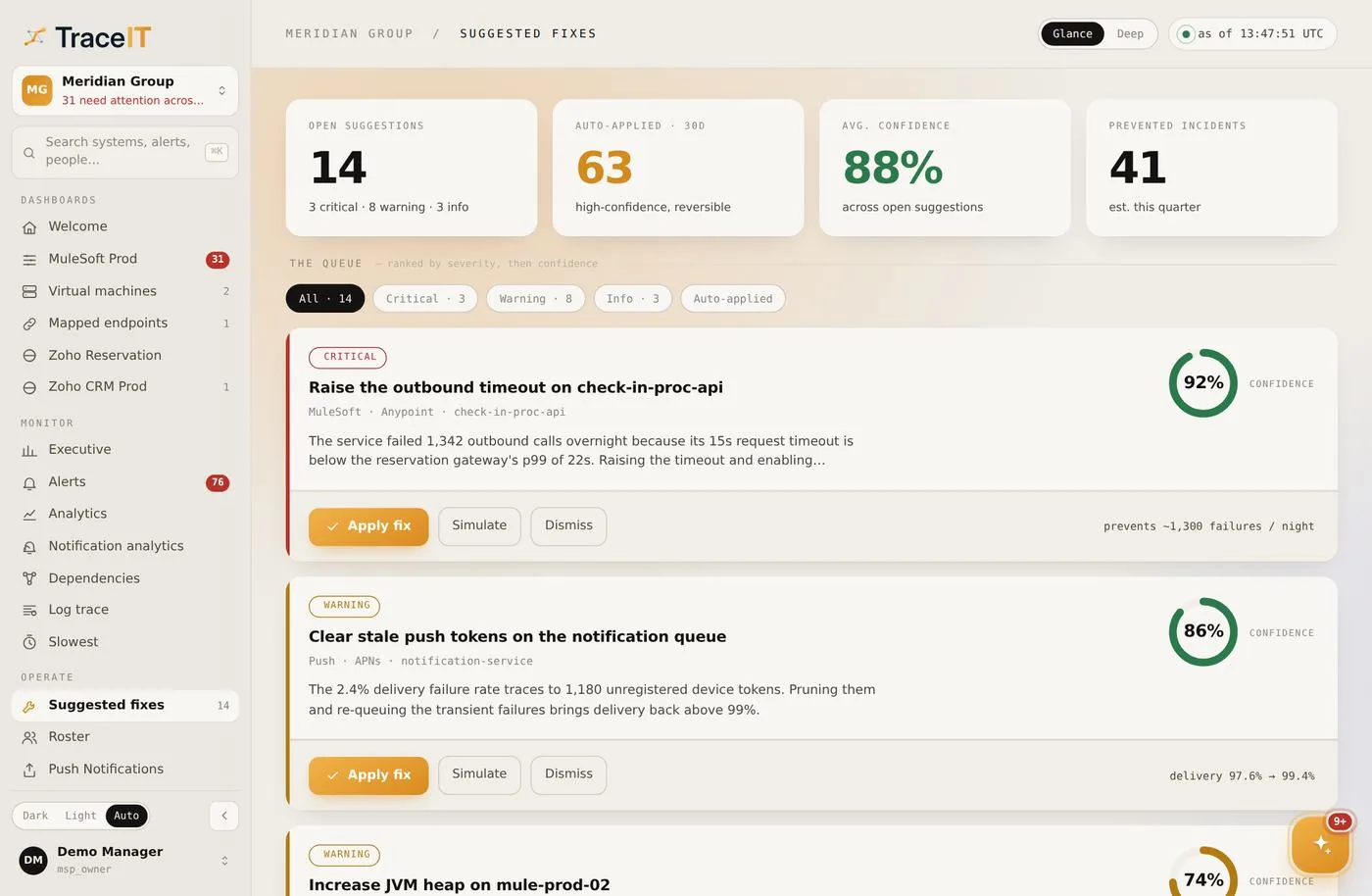 06 · Suggested fixesThe change that ends a recurring failure, with the measurement that identified it attached.
Contact
Tell us which departments and branches you run, and what you use today. We will take you through it.